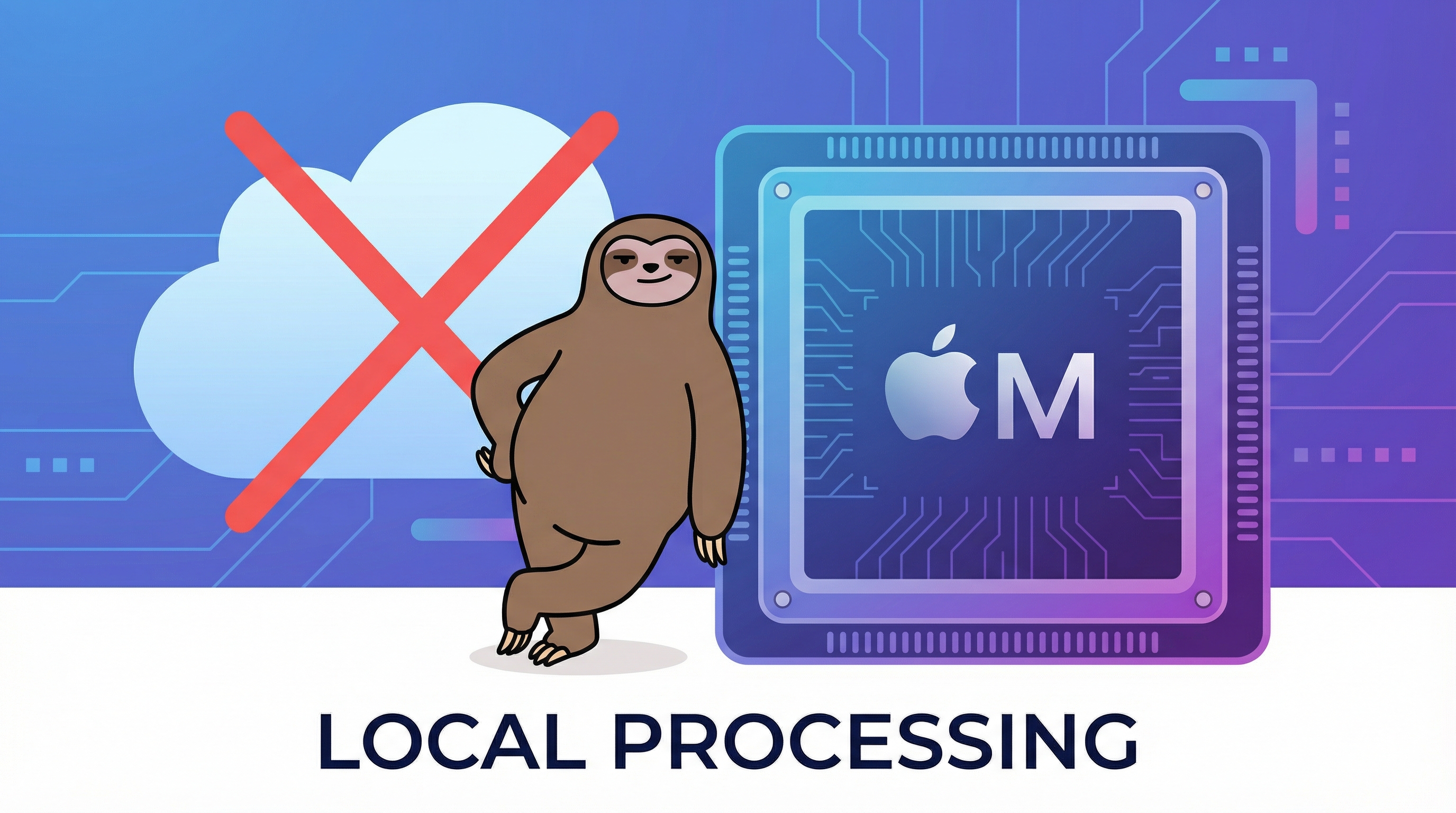
Local AI vs Cloud Transcription: Why Your Meeting Data Should Stay on Your Mac
The Transcription Revolution
AI-powered transcription has transformed how we work with audio. What once required expensive human services now happens instantly, accurately, and affordably.
But there's a critical decision every professional must make: Where does that transcription happen?
The answer affects your:
- Data privacy and security
- Compliance with company policies
- Meeting performance and latency
- Control over your information
The Two Approaches
Cloud-Based Transcription
How it works: Audio is streamed to remote servers (AWS, Google Cloud, Azure, etc.) where AI models process it and return text.
Examples:
- Otter.ai
- Fireflies.ai
- Rev.ai
- Most "meeting assistant" bots
Local/On-Device Transcription
How it works: AI models run directly on your computer using its CPU/GPU. No audio leaves your device.
Examples:
- Whisper
- MacWhisper
- PingMeBud
- Local Whisper implementations
Privacy: The Non-Negotiable Difference
Cloud Transcription Privacy Risks
When you use cloud-based transcription:
1. Audio Leaves Your Device Your meeting audio travels across the internet to third-party servers. Even with encryption, this creates vulnerability points.
2. Stored on External Servers Transcripts are saved on cloud infrastructure you don't control. Retention policies vary—some keep data indefinitely unless manually deleted.
3. Accessible to Vendor Employees While rare, vendor staff with appropriate permissions can theoretically access stored transcripts for "quality assurance" or troubleshooting.
4. Subject to Data Breaches Cloud services are high-value targets. If the vendor is breached, your meeting transcripts could be exposed.
5. Compliance Nightmares GDPR, HIPAA, SOC 2, and other regulations have strict data handling requirements. Using cloud transcription for sensitive meetings may violate:
- Your company's data classification policies
- Client confidentiality agreements
- Industry-specific regulations (finance, healthcare, legal)
Local Transcription Privacy Advantages
With on-device transcription:
1. Audio Never Leaves Your Mac Processing happens on your local CPU/GPU (especially fast on Apple Silicon). Zero network transmission of audio.
2. Session-Only Storage Transcripts exist only in RAM during the session. When you close the app, the data is gone. No files on disk unless you explicitly save them.
3. You Control Everything No third-party servers, no vendor access, no cloud accounts. Your data stays on hardware you own and control.
4. Zero Breach Risk (from transcription) Even if the app vendor is hacked, there's nothing to steal—your meeting data was never on their systems.
5. Compliance-Friendly Local processing aligns with strict data policies:
- No cross-border data transfer
- No third-party data processors
- Complete audit trail on your device
Security: The Technical Reality
Cloud Security Concerns
API Keys and Authentication Cloud services require API keys or OAuth tokens. If compromised, attackers can access your account and transcripts.
Man-in-the-Middle Risks While TLS encrypts data in transit, vulnerabilities exist:
- Certificate authority compromises
- Network-level attacks
- DNS hijacking
Vendor Security Practices You're trusting the vendor's security:
- Encryption at rest (is it implemented correctly?)
- Access controls (who can see your data internally?)
- Data retention (are "deleted" transcripts truly gone?)
Local Security Advantages
No API Keys Required Local transcription requires no authentication tokens that could be leaked or stolen.
No Network Attack Surface Audio processing doesn't use the network, eliminating entire categories of attacks.
Sandboxed Operation Modern macOS apps run in sandboxes with limited permissions. Apps can't arbitrarily access files or network without explicit user permission.
Performance: Speed and Latency
Cloud Performance Characteristics
Network Dependency Transcription speed depends on:
- Your internet bandwidth
- Network latency to the vendor's servers
- Server load and queue times
Real-World Impact:
- 500ms-2s delay for transcription to appear
- Failed or degraded service during outages
- Rate limits on API usage
Cost Implications: Most cloud transcription charges by the minute. Heavy usage gets expensive quickly:
- $0.025-$0.10 per minute = $1.50-$6 per hour
- 20 hours of meetings/week = $120-$480/month
Local Performance Characteristics
Hardware-Speed Processing On Apple Silicon Macs (M1/M2/M3/M4), local Whisper models run incredibly fast:
- Near real-time transcription
- No network latency
- Processing speed improves with newer hardware
Reliability Works offline. No dependency on:
- Internet connectivity
- Vendor server uptime
- API rate limits
Cost Efficiency One-time purchase or free open-source tools. No per-minute fees or subscription costs.
The "Meeting Bot" Problem
Most cloud transcription tools join your meetings as visible participants. This creates issues:
Policy Violations
Many companies explicitly ban third-party meeting bots because they:
- Record without all participants' knowledge
- Store company data externally
- Create compliance risks
Social Friction
Having a bot in every meeting is awkward:
- "Is that thing recording?"
- "Why is there a robot in our 1:1?"
- "Is this call being transcribed?"
Discovery Risk
If you're overemployed or handling sensitive information, visible bots create evidence trails.
Local Alternative: Invisible Monitoring
Local tools like PingMeBud don't join meetings — they're completely invisible. They:
- Work with your system audio
- Are invisible to other participants
- Only you know it's running
- Leave no external evidence
Use Cases: When to Choose Each Approach
Choose Cloud Transcription When:
- You need collaboration features (sharing transcripts with team, comments, highlights)
- You're transcribing public/non-sensitive content (podcasts, YouTube videos)
- You need advanced integrations (CRM, project management, Slack)
- You have reliable internet and budget for ongoing costs
- Your company explicitly approves the specific vendor
Choose Local Transcription When:
- Privacy is paramount (confidential business discussions, legal matters, healthcare)
- You work under strict compliance requirements (finance, government, regulated industries)
- You want zero ongoing costs after initial purchase
- You need offline functionality
- You handle sensitive data that shouldn't leave your device
- You're overemployed or need discretion
The Technology Behind Local AI
Whisper: The Open-Source Standard
OpenAI's Whisper model revolutionized local transcription:
- State-of-the-art accuracy
- Multiple language support
- Open-source and free
- Optimized for various hardware
Whisper: Apple Silicon Optimized
Whisper brings Whisper to Apple devices with:
- Metal optimization for M1/M2/M3/M4 chips
- On-device neural engine usage
- Minimal battery impact
Performance on Apple Silicon
MacBooks with Apple Silicon run Whisper remarkably well:
- M1: Real-time transcription for most use cases
- M2/M3: Faster-than-real-time with headroom
- M4: Exceptional speed and efficiency
RAM requirements are modest (starting at 1GB for tiny models and going up to 8GB for bigger models).
Setting Up Local Transcription
For General Use: MacWhisper
Free, open-source, post-meeting transcription. Good for:
- Transcribing recorded meetings
- Creating searchable archives
- Processing audio files
For Real-Time Meeting Monitoring: PingMeBud
Built specifically for active meeting assistance:
- Real-time transcription during calls
- Keyword detection and alerts
- Contextual transcript snippets
- Works with any video conferencing app
- 100% local, 100% private
Technical Setup Requirements
For Apple Silicon Macs:
- macOS 12.3 (Monterey) or later
- Audio System Recording permission
- 1GB+ RAM
The Bottom Line
Cloud transcription offers convenience and collaboration at the cost of privacy, security, and ongoing fees.
Local transcription offers complete control, zero external exposure, and better performance on modern hardware—at the cost of some collaborative features.
For professionals handling sensitive information, working under compliance requirements, or simply valuing privacy: local is the only responsible choice.
Your meeting data belongs on your Mac, not someone else's server.
Explore PingMeBud — the privacy-first meeting assistant that keeps your data where it belongs.
Local AI. Zero cloud. Complete privacy. That's the PingMeBud difference.
Stop watching meetings you don't need to watch
PingMeBud listens to your meetings and alerts you only when your name is mentioned. Runs 100% locally on your Mac.