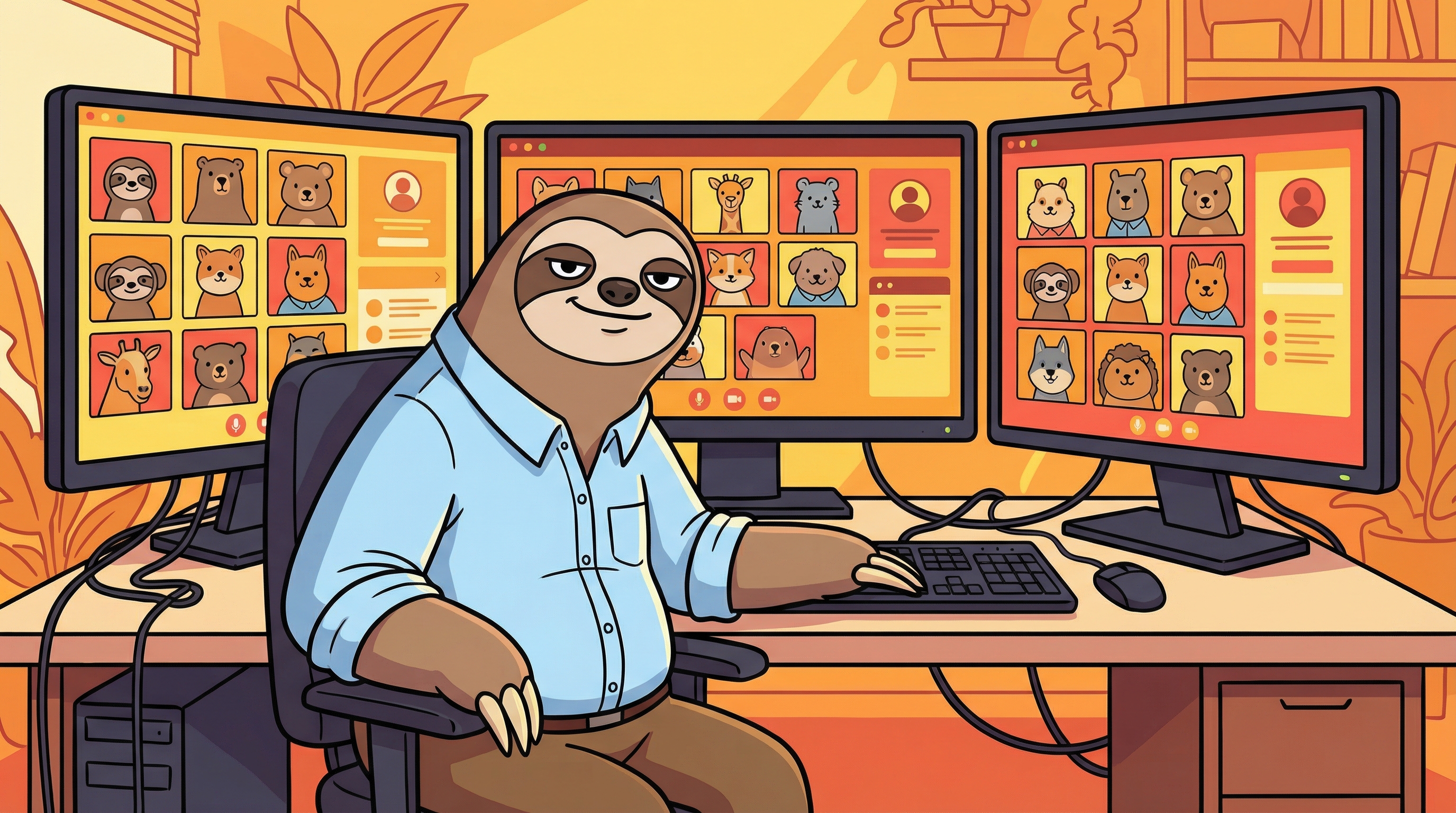
The Overemployed Guide: Managing Multiple Jobs and Meetings Like a Pro
What Is "Overemployed"?
The overemployed (OE) movement has exploded in the remote work era. We don't need to explain it, you know it what it is and we are not gonna ask any questions.
While controversial, it's a pragmatic response to:
- Economic uncertainty and inflation
- Layoff anxiety ("at least I have J2 if J1 fires me")
- Underpayment in single roles
- The inefficiency of many corporate jobs
Whether you call it overemployment, polyworking, or just "hustling," the challenge is universal: how do you manage multiple calendars full of overlapping meetings?
The OE Meeting Nightmare
Picture this scenario:
- 9:00 AM: J1 standup (camera off, muted)
- 9:15 AM: J2 all-hands (camera off, muted)
- 9:30 AM: J1 project review (camera on, required)
- 10:00 AM: J2 sprint planning (camera off, muted)
You're not just multitasking—you're multi-meeting. Missing a direct question in one meeting while attending another can blow your cover or damage your reputation.
Strategies for Managing Multiple Meeting Calendars
1. The "One Active, Many Passive" Approach
In any given moment, you can only fully participate in one meeting. The rest must be passively monitored.
Active meeting criteria:
- You're presenting
- You're the decision maker
- Your direct input is required
- Camera-on required
Passive meeting criteria:
- Informational updates
- Large group calls
- Optional attendee status
- Camera-off allowed
2. Strategic Keyword Monitoring
The secret weapon for managing multiple meetings: automated listening tools that alert you when you're needed.
Set up alerts for:
- Your name (or names ;) )
- Direct mentions of your projects
- Action items or assignments
- Keywords like "urgent," "deadline," "decision needed"
When an alert fires, you can quickly context-switch back to that meeting.
3. The "Buffer Window" Technique
Never schedule back-to-back meetings across jobs without at least 15-minute buffers. This gives you:
- Time to wrap up notes from Meeting A
- Breathing room to join Meeting B
- Flexibility if one runs over
4. Audio Separation Setup
Use multiple audio outputs:
- Primary job: Direct headphones (full attention)
- Secondary job(s): Speakers at low volume or separate earpiece (background monitoring)
This lets you hear alerts while maintaining focus on your primary meeting.
5. The "Quick Context" Protocol
When you get pulled into a secondary meeting, you need context fast. Have a system that shows you:
- What was discussed in the last 30-60 seconds
- What question or statement triggered the alert
- Who is currently speaking
This prevents the dreaded "Can you repeat that?" or obvious confusion.
Tools for the Overemployed Professional
Calendar Management
Reclaim.ai or Clockwise: Automatically block focus time and buffer periods between meetings across multiple calendars.
Calendly: Set availability windows carefully to prevent cross-job meeting conflicts.
Google Calendar: Use multiple Google accounts with different color coding for each job.
Meeting Monitoring
PingMeBud: Essential for OE professionals. It:
- Listens to multiple meeting audio streams
- Transcribes locally (100% private—crucial when you're OE)
- Alerts instantly when keywords are detected
- Shows contextual transcript so you can catch up in seconds
- Uses system audio—works even if your speakers are muted
Why it matters for OE: Cloud-based meeting bots that join calls are a dead giveaway. PingMeBud is invisible—only you know it's running. Since it captures audio directly from the system, you can keep your speakers muted and still get full transcripts and alerts. No audio bleeding between jobs, no accidental speaker leakage.
Communication Management
Slack/Teams on mobile: Keep work chat apps on your phone to check messages during passive meetings without switching windows on your main screen.
Status message automation: Set Slack status to "In a meeting" automatically to reduce interruptions.
The Privacy Imperative for OE Workers
If you're overemployed, privacy isn't just nice to have—it's essential. You absolutely cannot use:
- Cloud-based meeting bots that join as participants
- Tools that require company email signups
- Services that store meeting transcripts externally
Why? Because:
- Discovery risk: If discovered, cloud tools create a paper trail
- Policy violations: Most companies prohibit third-party meeting recording tools
- Security audits: IT departments flag unusual meeting bot activity
- Data exposure: Your J1 meetings don't belong on J2's servers (or vice versa)
PingMeBud solves this: 100% local processing, no cloud storage, no visible bots, no accounts. Your meeting data never leaves your Mac.
For a full comparison of privacy-focused tools, check out our guide to the best privacy meeting tools in 2026.
Avoiding the Common OE Mistakes
Mistake 1: Trying to Speak in Multiple Meetings Simultaneously
You'll slip up. Mute all but your active meeting. Only unmute when fully context-switched.
Mistake 2: Using the Same Background/Setup
Customize your virtual backgrounds, lighting, and camera angles differently for each job. Don't get caught with J2's logo visible during a J1 call.
Mistake 3: Forgetting Which Job You're In
Keep visual cues:
- Different browser profiles for each job
- Different desktop wallpapers
- Physical cues (different desk setups or notes)
Mistake 4: Ignoring Meeting Overlaps Until They Happen
Proactively review calendars weekly. Block personal time during high-risk overlap periods.
The OE Mindset: Professionalism Across Jobs
Being overemployed doesn't mean being unprofessional. In fact, OE often requires more organizational skill and productivity than single-job workers.
The goal isn't to skate by—it's to deliver quality work efficiently enough that you have bandwidth for multiple roles. Smart meeting management is a key competency.
Is OE Right for You?
Before diving into OE, consider:
- Can you handle the stress? Multiple jobs means multiple bosses, expectations, and potential emergencies.
- Is your skill set in demand? OE works best when you're highly skilled and can deliver quickly.
- Are you organized? If you're already struggling with one job's meetings, OE will overwhelm you.
- What's your risk tolerance? Getting caught can mean losing both jobs.
Tools to Make OE Sustainable
If you're committed to the OE path, invest in tools that reduce friction:
PingMeBud is built for exactly this use case. Monitor multiple meetings simultaneously, get instant alerts when you're needed, and maintain complete privacy with local-only processing.
No cloud. No bots. No exposure. Just smart meeting management.
Working smarter, not harder. PingMeBud helps overemployed professionals manage multiple meetings without the chaos.
Note: This article is for informational purposes. Always review your employment contracts and understand the legal implications of overemployment in your jurisdiction.
Stop watching meetings you don't need to watch
PingMeBud listens to your meetings and alerts you only when your name is mentioned. Runs 100% locally on your Mac.