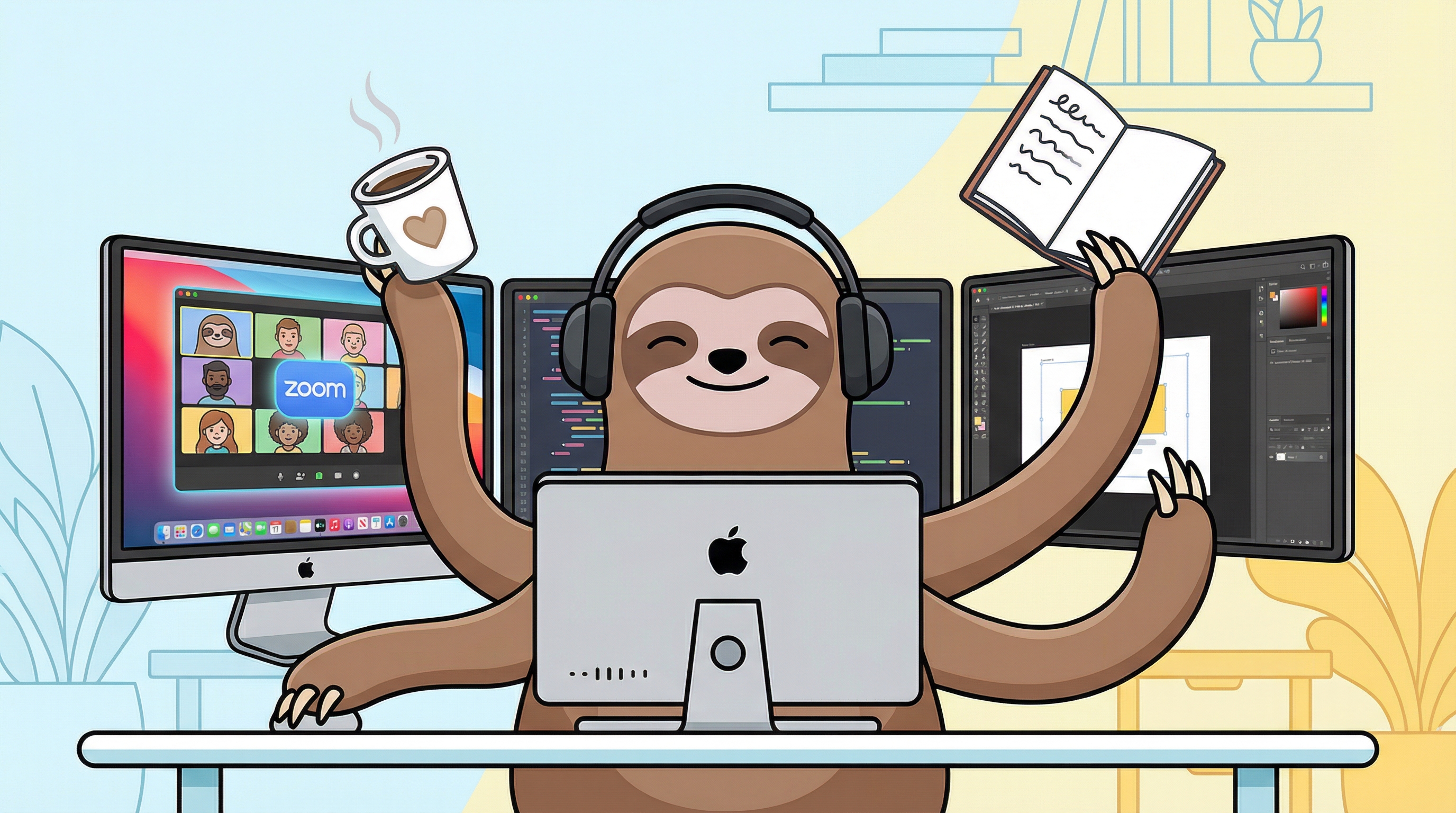
How to Multitask During Zoom Meetings Without Missing Important Updates
The Multitasking Dilemma
You're in another marathon Zoom meeting. The presenter is sharing slides about Q3 projections—information that doesn't directly impact your work. Your inbox has 47 unread emails. That bug fix is still pending. Your focus time is evaporating.
Sound familiar?
For busy professionals, the ability to multitask during Zoom meetings is a matter of survival. The challenge is doing it without missing the 5% of content that's actually relevant to you.
Why Traditional Multitasking Fails
Most people try to multitask during meetings by:
- Keeping one ear on the meeting while checking email
- Working on side projects with the meeting on mute
- Constantly toggling between windows to "check in"
The result? You miss critical updates, appear disengaged when called upon, and don't actually accomplish much on either front.
A Smarter Approach to Meeting Multitasking
1. Identify Passively Attendable Meetings
Not every meeting requires full attention. Ask yourself:
- Am I an active contributor or an observer?
- Will decisions be made that affect my work?
- Is this informational or collaborative?
For observer-only meetings, strategic multitasking makes sense.
2. Set Up Smart Alerts for Your Keywords
The secret to successful meeting multitasking is automated monitoring. Instead of splitting your attention, use technology that listens for what matters:
- Your name
- Your project names
- Action items or deadlines
- Keywords like "urgent," "ASAP," or "blocker"
When these are detected, you get instantly notified with context. No more constant monitoring required.
3. Use the "Context Window" Technique
When you do get pulled back into a meeting, you need more than just "Your name was mentioned." You need context. Look for tools that show you:
- What was being discussed before your name came up
- The specific question or statement
- Any follow-up items
This lets you respond intelligently without asking "Can you repeat that?"
4. Batch Your Side Tasks
When multitasking during meetings, choose tasks that:
- Don't require deep creative thinking
- Can be paused instantly
- Are low-stakes if interrupted
Good options: email triage, simple bug fixes, documentation updates, code reviews.
Privacy Matters When Multitasking
Here's what most articles won't tell you: many meeting assistant tools are cloud-based bots that join your calls. They:
- Record and store your conversations on external servers
- May violate your company's data policies
- Are visible to all participants
If you're going to use a meeting multitasking tool, choose one that's 100% local and privacy-focused.
Tools That Make It Possible
PingMeBud is designed specifically for professionals who need to multitask during meetings:
- Captures system audio locally (never sends data to the cloud)
- Transcribes in real-time using on-device AI
- Alerts you instantly when your keywords are detected
- Shows contextual transcript snippets so you can catch up in seconds
Unlike transcription bots that join your meetings, PingMeBud runs quietly on your Mac. Only you know it's there. See how our privacy-first approach keeps your data safe.
The Productivity Payoff
Professionals using smart meeting monitoring report:
- 2-3 hours reclaimed per week from unnecessary meeting attention
- Better focus on deep work during calls
- Faster response times when actually needed
- Reduced meeting fatigue and burnout
Start Multitasking Smarter
Ready to stop wasting focus on meetings where you're just a fly on the wall?
Download PingMeBud and reclaim your productive hours while staying in the loop.
PingMeBud is a privacy-first macOS app for professionals who need to multitask during meetings. 100% local processing. No cloud. No subscriptions.
Stop watching meetings you don't need to watch
PingMeBud listens to your meetings and alerts you only when your name is mentioned. Runs 100% locally on your Mac.