macOS 12.3+ • Apple Silicon • Bot-Free

Google Meet Name Alert App for macOS — Bot-Free Local AI

Stop babysitting a pinned Google Meet browser tab. PingMeBud monitors your Mac's system audio locally—whether Meet is running in Chrome, Arc, Safari, or Brave—and pings you the instant your keywords are spoken.

No credit card required • Signed & notarized by Apple • 100% local Whisper AI

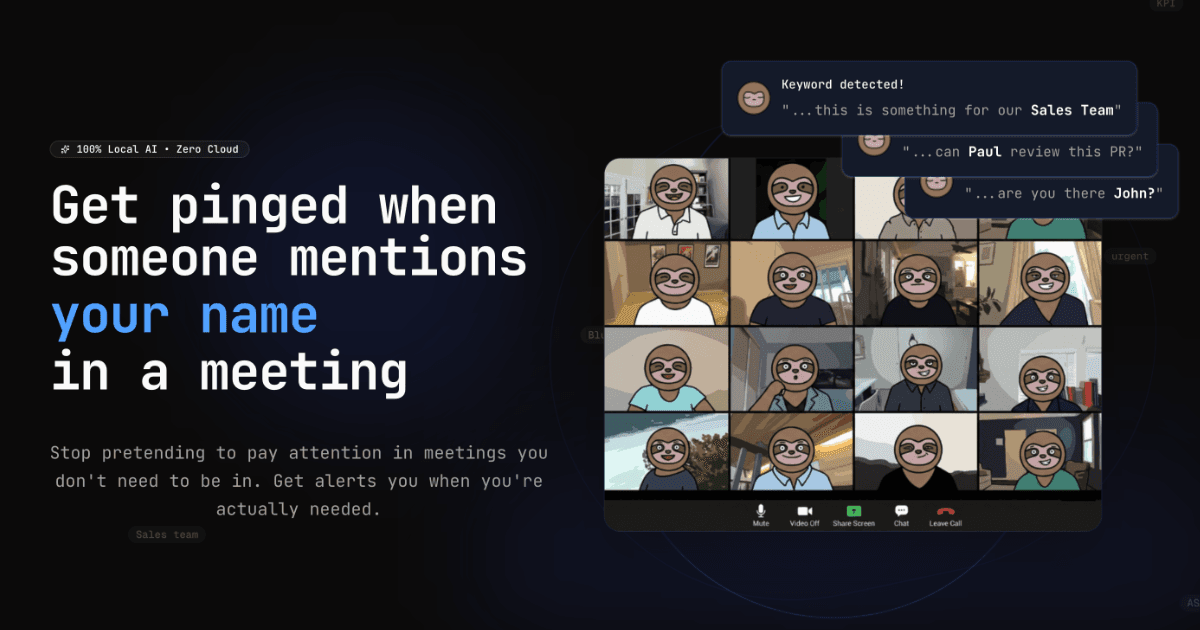
PingMeBud macOS keyword alert during a Google Meet meeting

How PingMeBud works with Google Meet

Start monitoring your Google Meet calls locally in under a minute—zero plugins or bots required.

1

No Chrome extension needed

Download PingMeBud for macOS—no browser extension permissions required, and it works across every browser profile simultaneously.

2

Monitor your name & custom triggers

Set your name, project codenames, and wildcard keywords in the menu bar app before joining your Google Meet tab.

3

Switch back only when pinged

Work in full-screen code editors or docs. PingMeBud pops a macOS alert or full-screen red edge flash with the exact Google Meet transcript snippet.

Built for Google Meet multitaskers

Works across multiple Chrome profiles & browsers

Unlike browser extensions tied to one Google account, PingMeBud captures Mac system audio globally across Chrome, Safari, Arc, Brave, and Edge.

No visible 'Admit bot' popup in Meet

Never embarrass yourself with a third-party bot waiting in the Google Meet lobby asking everyone to admit it.

Smart Whisper keyword adaptation

Smart Whisper adapts to the keywords and proper nouns you add, boosting accuracy for unusual names and acronyms on Google Meet calls.

One-time payment, zero subscriptions

Try every feature free for 7 days with no credit card, then unlock lifetime access across up to 5 Macs for $29 one-time.

Privacy Comparison

Why not a Google Meet bot or Chrome extension?

Google Meet extensions read browser DOM data and require broad Google Workspace permissions, while bots clutter the Meet lobby.

Cloud Google Meet Bots

  • Meeting bots sit in the Google Meet waiting room asking to be admitted
  • Chrome extensions break whenever Google Meet updates its UI
  • Cloud Meet assistants upload every spoken word to third-party servers
  • Separate browser profiles require duplicating extensions and logins

PingMeBud (100% Local on macOS)

  • Native macOS app—unaffected by Google Meet UI or browser updates
  • Works across all Google Workspace profiles and browsers at once
  • Zero audio leaves your Mac; transcripts clear from RAM on close
  • Optional full-screen red border alert impossible to miss across Spaces

Google Meet FAQ

Which browsers does PingMeBud support for Google Meet?
All of them—Chrome, Safari, Arc, Brave, Firefox, and Edge. Because PingMeBud captures macOS system audio rather than hooking into a browser tab, any browser works automatically.
Do I need to install a Chrome extension for Google Meet?
No. PingMeBud is a native macOS desktop app and does not use any browser extensions or request access to your Google account.
What if I am in two Google Meet tabs or browser profiles?
PingMeBud monitors your Mac's combined system audio output, so keywords spoken in any active Google Meet tab or meeting app trigger alerts simultaneously.
What Mac hardware is required for Google Meet local transcription?
PingMeBud requires macOS 12.3 (Monterey) or later and an Apple Silicon Mac (M1, M2, M3, M4, or newer) with at least 8GB RAM.

Using other meeting tools too?

PingMeBud monitors system audio across every Mac app at once.