•productivity
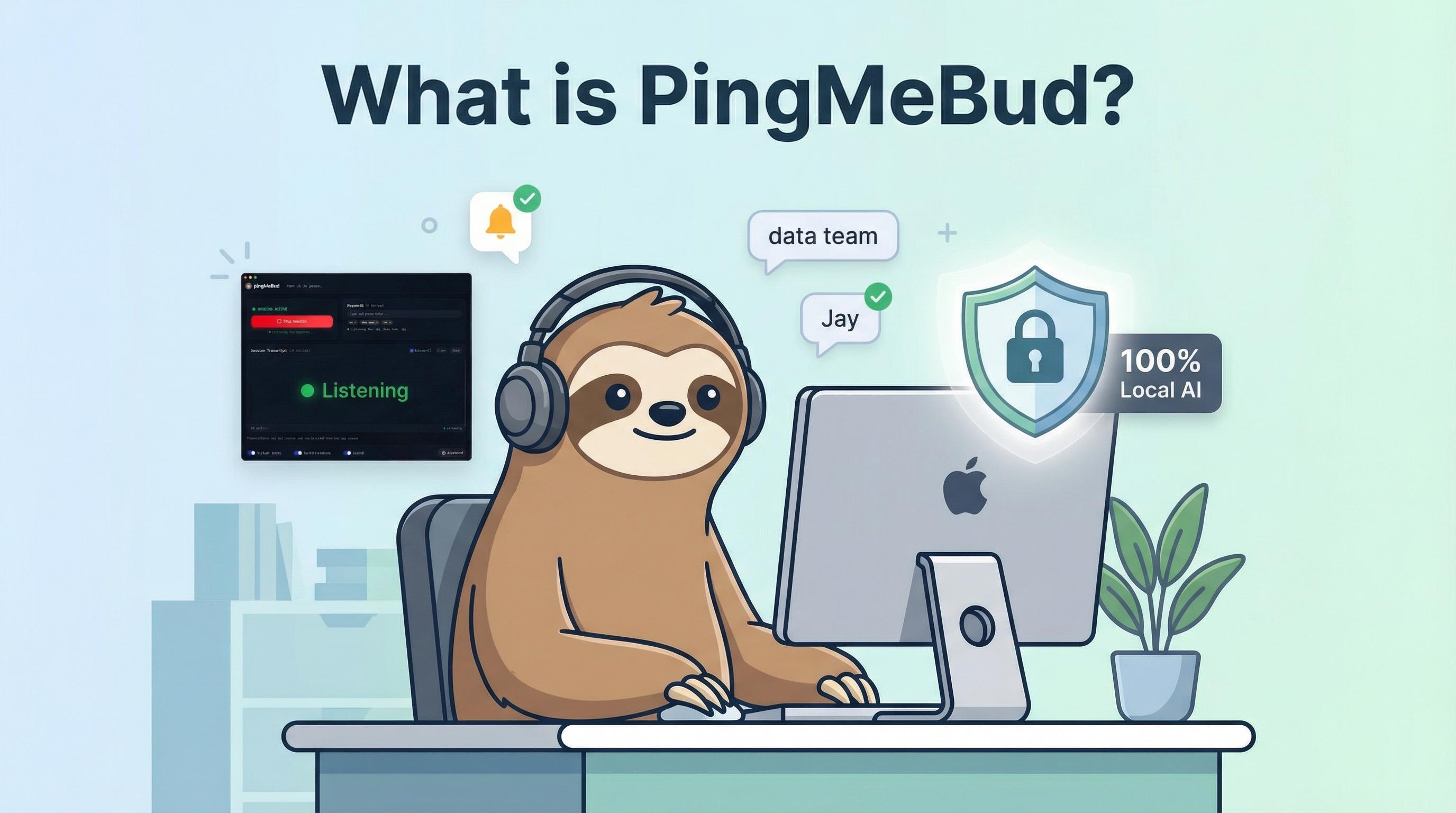
What is PingMeBud? The Local AI Meeting Assistant for macOS
Discover how PingMeBud helps you stay productive during long meetings by alerting you locally on macOS only when your name or custom keywords are spoken.
Read article
Slack Huddles start spontaneously and often turn into marathon debugging sessions. PingMeBud runs quietly in your Mac menu bar to alert you whenever your name or topic comes up in a Huddle.
No credit card required • Signed & notarized by Apple • 100% local Whisper AI

Start monitoring your Slack Huddles calls locally in under a minute—zero plugins or bots required.
Launch monitoring in one click whenever an impromptu Slack Huddle starts—no workspace integration or Slack admin approval needed.
Monitor your name, service names, "production", "blocker", or wildcard terms so you catch critical Slack Huddle moments.
Keep shipping code while the Huddle runs in the background. PingMeBud flashes a macOS alert with recent context when someone asks for you.
Unlike Slack bots that require workspace admin approval and post in channels, PingMeBud runs strictly on your Mac.
When your keyword triggers in a Slack Huddle, read the last few seconds of live RAM transcript right in the alert before responding.
Switch seamlessly between Slack Huddles, Zoom, Discord, or YouTube tutorials—PingMeBud monitors all Mac system audio automatically.
Sensitive debugging details and off-the-cuff discussions stay strictly in volatile RAM and disappear the moment you end the session.
Slack Huddles are meant to be lightweight and ephemeral—cloud bots turn casual Huddles into permanent server logs.
Discover how PingMeBud helps you stay productive during long meetings by alerting you locally on macOS only when your name or custom keywords are spoken.
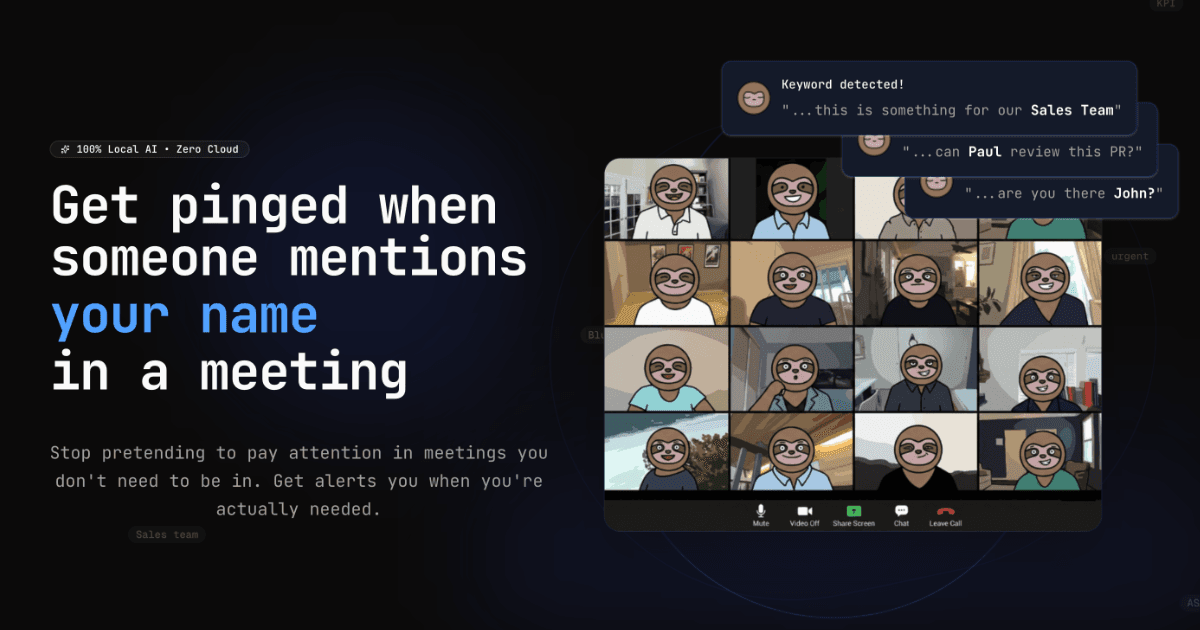
Set up automatic macOS notifications whenever your name, team, or custom keywords are spoken in Zoom, Microsoft Teams, or Google Meet—100% locally with no meeting bots.
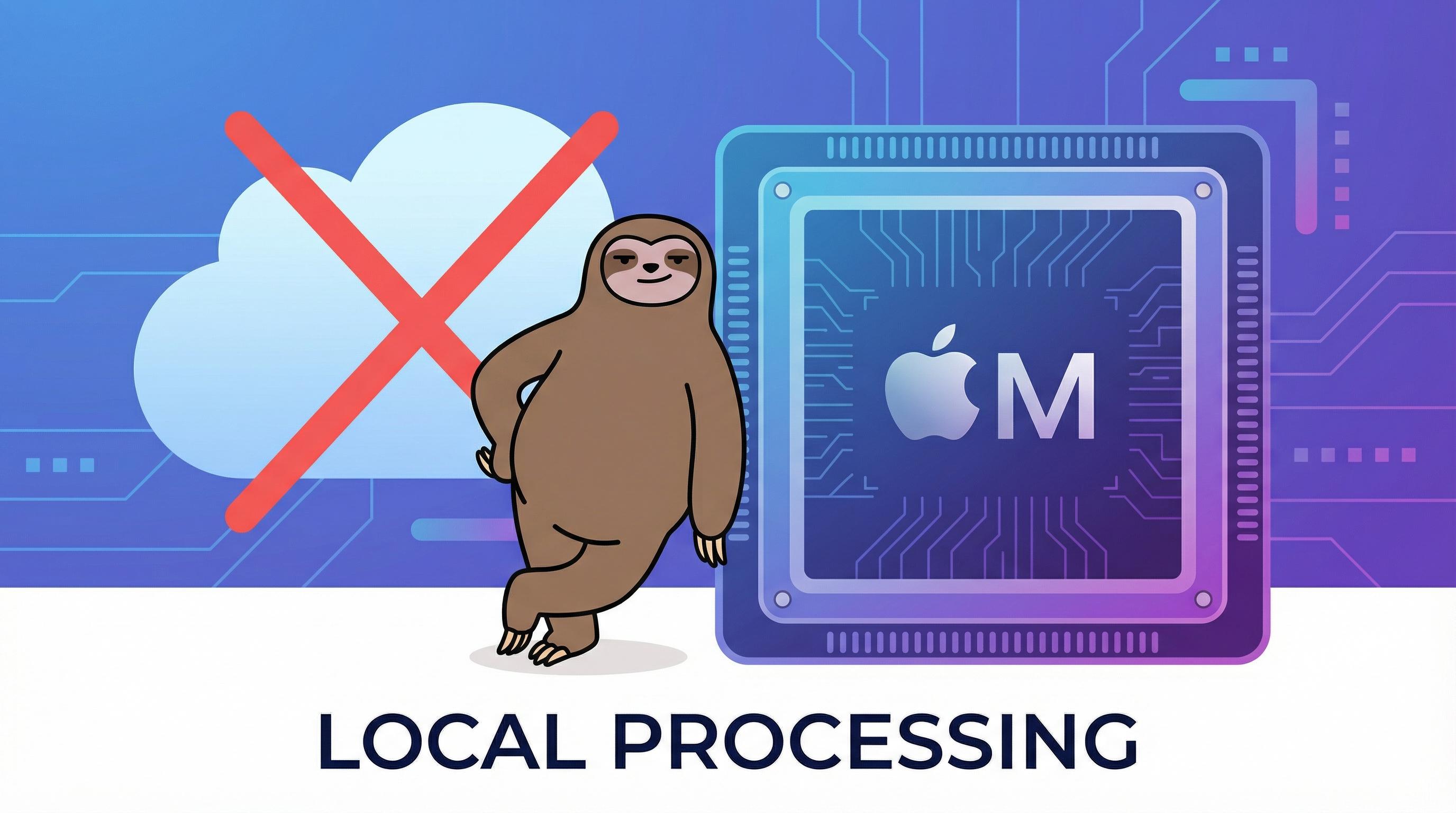
Compare on-device Whisper transcription vs cloud bots (Otter, Fireflies) on data privacy, AI training policies, latency, Apple Silicon performance, and cost.
PingMeBud monitors system audio across every Mac app at once.