macOS 12.3+ • Apple Silicon • Bot-Free

Zoom Name Alert App for macOS — Get Pinged When Mentioned

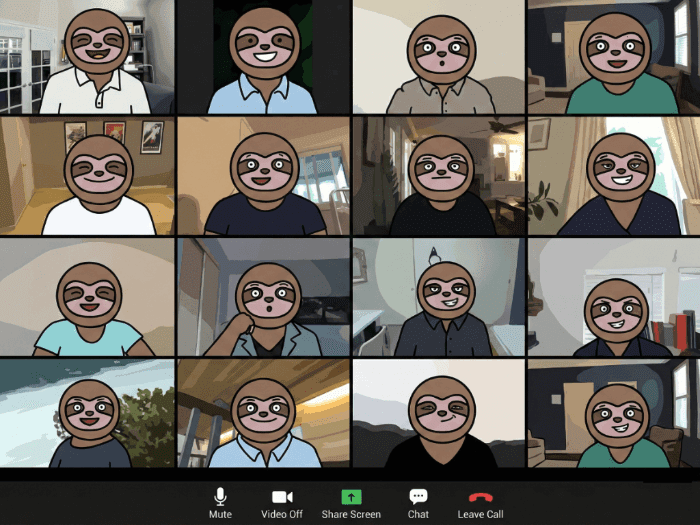
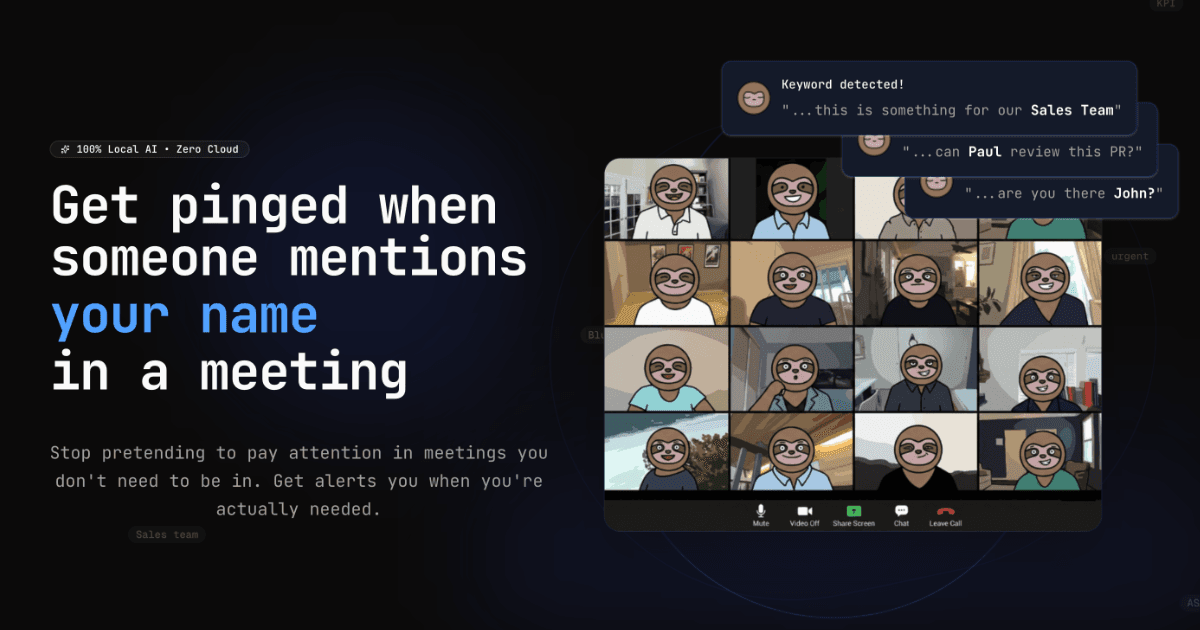
Focus on real work during marathon Zoom all-hands and standups. PingMeBud listens to your Mac's system audio locally with Whisper AI and flashes an alert the second someone says your name—with zero bots joining your call.

No credit card required • Signed & notarized by Apple • 100% local Whisper AI

PingMeBud macOS keyword alert during a Zoom meeting

How PingMeBud works with Zoom

Start monitoring your Zoom calls locally in under a minute—zero plugins or bots required.

1

Add your name and Zoom keywords

Open PingMeBud from your macOS menu bar and enter your name (plus spelling variants), project names, or wildcards like "assign*" and "block*".

2

Join your Zoom call as usual

Start monitoring with one click. PingMeBud passively captures Zoom's system audio output on your Mac—no Zoom plugin, bot participant, or host permission required.

3

Get alerted with instant transcript context

Whenever someone mentions your keyword in Zoom, you get a native macOS banner (and optional full-screen red border flash) showing the exact sentence spoken so you can unmute seamlessly.

Built for Zoom multitaskers

Works even with Zoom speakers muted

Because PingMeBud captures macOS system audio before output, you can turn your Mac volume to zero or use Bluetooth headphones and still receive real-time alerts.

No awkward 'Meeting Bot has joined'

Unlike cloud note-takers that pop into the Zoom participant list and trigger recording disclaimers, PingMeBud is completely invisible to everyone else on the call.

Live snippet context in 2–4 seconds

See what was said right before and after your name was mentioned on Zoom, so you never have to ask 'Sorry, could you repeat that?'

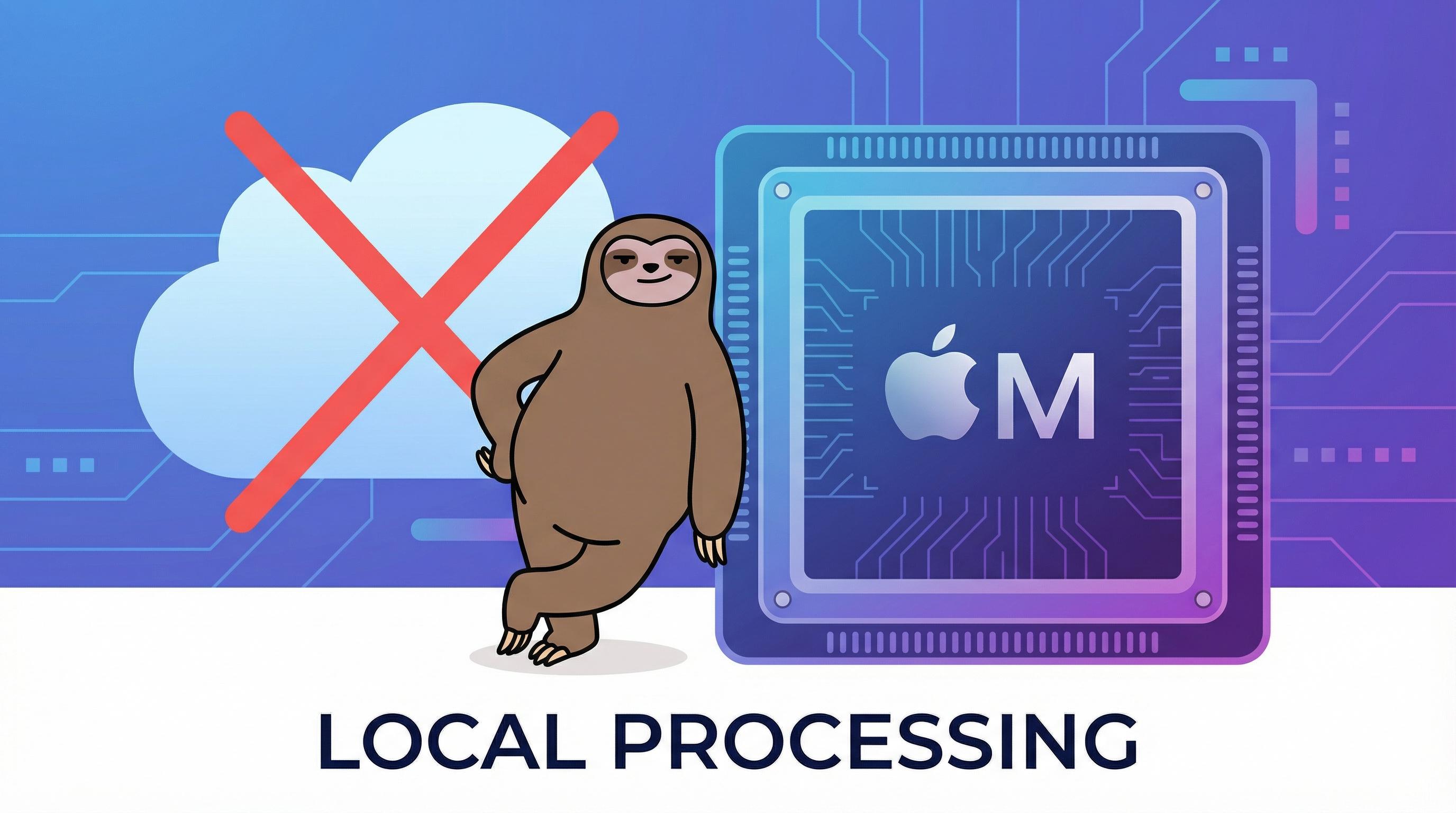
RAM-only privacy on Apple Silicon

Audio is transcribed on-device by OpenAI Whisper using your M1/M2/M3/M4 Neural Engine. Close the session and the live transcript vanishes from RAM immediately.

Privacy Comparison

Why not a Zoom meeting bot?

Cloud Zoom assistants connect as visible participants, stream audio to external servers, and leave permanent transcripts behind.

Cloud Zoom Bots

  • Announces itself in the Zoom participant list and chat
  • Triggers Zoom recording warnings or gets blocked by hosts
  • Uploads confidential Zoom audio to third-party cloud servers
  • Requires OAuth calendar permissions and monthly subscriptions

PingMeBud (100% Local on macOS)

  • 100% invisible—captures macOS system audio locally
  • Works in every Zoom call without host approval or plugins
  • Zero cloud uploads, zero accounts, zero telemetry
  • One-time $29 lifetime license after a 7-day free trial

Zoom FAQ

Do I need Zoom host permission to use PingMeBud?
No. PingMeBud runs locally on macOS and captures system audio output passively. It never joins your Zoom room as a bot, never accesses the Zoom API, and does not require host recording privileges.
Does PingMeBud work if I mute my Mac volume or use AirPods?
Yes. PingMeBud reads audio at the macOS system level before it reaches your speakers or Bluetooth headphones, so keyword detection works even when your speakers are muted.
How fast does PingMeBud alert me after my name is said on Zoom?
Alerts typically fire within 2 to 4 seconds using local Whisper models on Apple Silicon, and you can tune audio chunk sizes in advanced settings for faster response.
Does PingMeBud record or save my Zoom calls?
No. Audio and live transcripts exist strictly in RAM while a monitoring session is active and are permanently erased when you stop or close the app.

Using other meeting tools too?

PingMeBud monitors system audio across every Mac app at once.