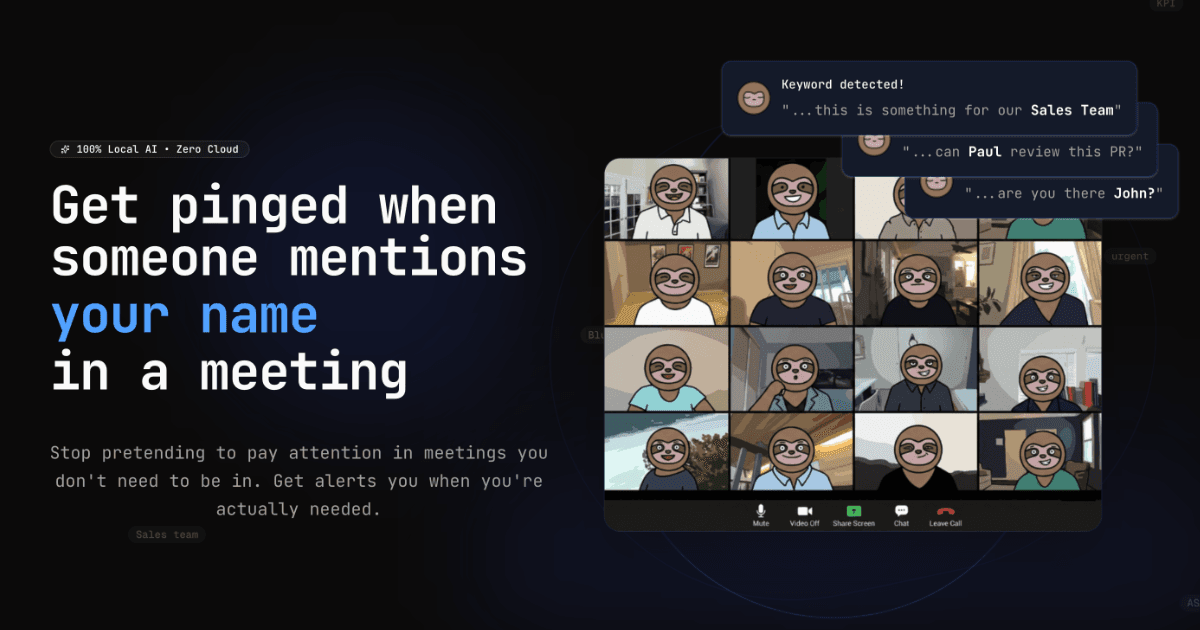
PingMeBud vs MacWhisper vs Otter.ai: Best Private Mac Meeting Assistant (2026)
Choosing the Right Meeting Assistant for macOS
Not every meeting tool is built for the same job. Some apps focus on post-meeting audio transcription, others focus on shared team notes in the cloud, and others are designed for real-time focus protection during live calls.
If you're comparing PingMeBud, MacWhisper, and Otter.ai on macOS in 2026, here is an honest, side-by-side breakdown of how they differ in privacy, real-time alerts, meeting bots, and pricing.
Quick Comparison Table
| Feature | PingMeBud | MacWhisper | Otter.ai |
|---|---|---|---|
| Primary Use Case | Real-time name & keyword alerts | Recording & file transcription | Cloud team notes & summaries |
| Real-Time Name / Keyword Alerts | Yes (banner + full-screen flash) | No | No |
| Bot-Free / Invisible in Calls | Yes (100% invisible) | Yes (100% invisible) | No (joins as visible bot) |
| 100% Local Processing | Yes (Apple Silicon Whisper) | Yes (local Whisper / engines) | No (cloud servers) |
| RAM-Only / Zero Disk Logs | Yes (erased on session end) | Saves transcripts locally | Stored in cloud indefinitely |
| Works Offline | Yes (up to 7 days after model setup) | Yes | No |
| Post-Meeting File Transcription | No (live RAM session only) | Yes (best-in-class) | Yes |
| Platforms | macOS 12.3+ (Apple Silicon) | macOS | Web, iOS, Android |
| Pricing Model | 7-day free trial, then $29 one-time | Free tier + paid Pro license | Freemium + monthly subscription |
1. PingMeBud — Best for Real-Time Name Alerts & Zero-Trace Privacy
PingMeBud is purpose-built for professionals who have to sit in long calls where they aren't constantly speaking—engineers in marathon standups, remote workers in all-hands, or multitaskers protecting deep work time.
Instead of saving meeting recordings, PingMeBud captures macOS system audio locally, transcribes live in RAM using Whisper on Apple Silicon, and alerts you within 2–4 seconds when your name, team, wildcard pattern (*), or silence is detected.
Strengths:
- Instant native macOS notifications + optional full-screen red border alert with live context snippet
- Completely invisible to everyone on Zoom, Microsoft Teams, Google Meet, and Slack Huddles
- Works even when your Mac speakers are muted or using Bluetooth headphones
- RAM-only architecture—zero transcripts saved to disk or sent to the cloud
- Simple $29 one-time lifetime license (up to 5 Macs) after a 7-day free trial
Limitations:
- macOS 12.3+ on Apple Silicon only (not Windows or Intel Macs)
- Not designed as an archive tool for transcribing pre-recorded audio/video files
2. MacWhisper — Best for Post-Meeting File & Recording Transcription
MacWhisper is the gold standard macOS utility if your primary goal is turning pre-recorded audio files, podcasts, interviews, or saved meetings into searchable, exportable text documents (.srt, .vtt, .txt, .docx).
Strengths:
- Exceptional local transcription workflow for existing audio and video files
- Multiple export formats, speaker identification tools, and local LLM integrations
- 100% on-device Whisper processing on macOS
Limitations:
- Built around transcribing and saving recordings rather than real-time attention alerting
- Does not monitor live calls to pop instant name notifications or flash screen alerts when you're working in another app
3. Otter.ai — Best for Cloud Team Collaboration (Not Privacy)
Otter.ai is a cloud SaaS meeting assistant that joins calendar calls as a visible bot participant, creates shared transcripts, integrates with CRMs, and sends automated team summaries.
Strengths:
- Cross-platform web and mobile collaboration with shared highlights and comments
- Automated calendar sync and CRM workflows for sales/customer teams
Limitations:
- Joins meetings as a visible bot, which causes social friction and is banned by many IT departments
- Streams audio to external cloud servers and stores transcripts online (see Local AI vs Cloud Transcription)
- Ongoing monthly per-user subscription fees
Which Tool Should You Choose?
- Choose PingMeBud if: You want to focus on real work during live Zoom, Teams, Google Meet, or Slack Huddle calls without missing your name—and you want 100% local, bot-free, RAM-only privacy on Apple Silicon.
- Choose MacWhisper if: You want a local desktop app to transcribe podcasts, interviews, or recorded meetings into permanent editable text files.
- Choose Otter.ai if: Your organization explicitly approves cloud bots and needs shared team transcripts synced to CRMs across Windows, Mac, and mobile.
(Tip: Because PingMeBud doesn't save recordings to disk and MacWhisper excels at permanent transcripts, privacy-focused Mac users sometimes keep both for two totally different jobs.)
Want to test real-time name alerts on your Mac right now? Download PingMeBud's 7-day free trial or read our step-by-step setup guide: How to Get an Alert When Someone Says Your Name in a Meeting on Mac.
Stop watching meetings you don't need to watch
PingMeBud listens to your meetings and alerts you only when your name is mentioned. Runs 100% locally on your Mac.
Related Articles
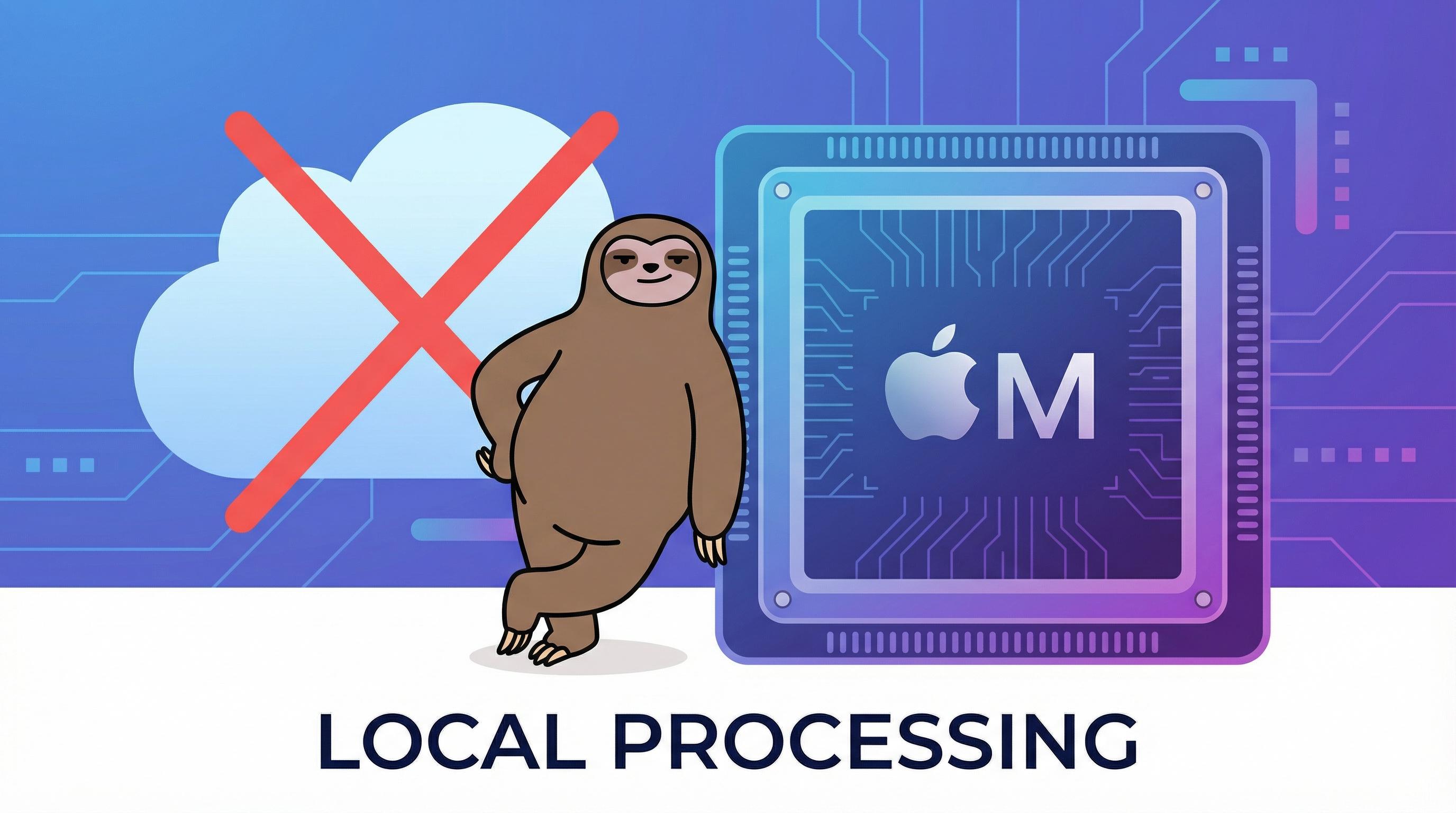
Local AI vs Cloud Meeting Transcription (2026): Privacy, Speed & Cost Compared
Compare on-device Whisper transcription vs cloud bots (Otter, Fireflies) on data privacy, AI training policies, latency, Apple Silicon performance, and cost.
How to Get an Alert When Someone Says Your Name in a Meeting on Mac
Set up automatic macOS notifications whenever your name, team, or custom keywords are spoken in Zoom, Microsoft Teams, or Google Meet—100% locally with no meeting bots.

Best Overemployed Tools & Mac Setup (2026): Calendars, Audio & Private Alerts
The essential overemployed software and hardware stack for remote professionals managing multiple contracts—calendar blocking, audio isolation, and 100% local meeting alerts.